
ManageBac Notifications and Weekly Summaries
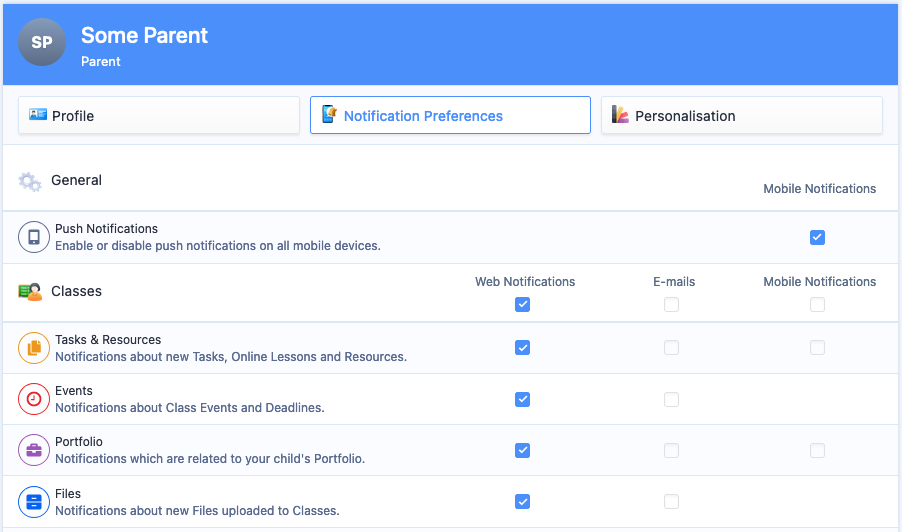
As a parent, you can decide the 'Notification Preferences' you would like to receive on the Managebac Web or mobile phone or tablet App.
To change your notification preferences:
- Click your profile icon in the top-right corner
- Select Notification Preferences


You then have granular control of what and where you receive notifications.
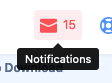
The "red envelope is where you can get the web notifications.
At the bottom of this settings page is an option to get a useful parent digest
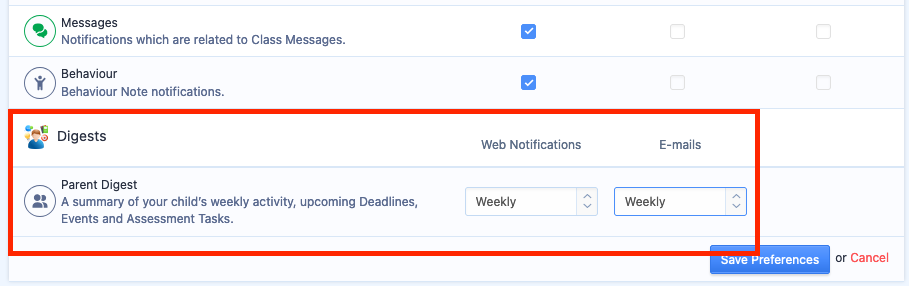
Remember to 'Save Preferences'
We encourage parents to subscribe to the weekly 'Parent Digests', which shows a summary of your child's weekly activity, upcoming deadlines, events and assessment tasks.
Students are also encouraged to activate this option to help with their organisational skills and planning!
Here is an example of a 'Parent Digest' message:


Comments
0 comments
Please sign in to leave a comment.