
Viewing & Adding to your child's Portfolio
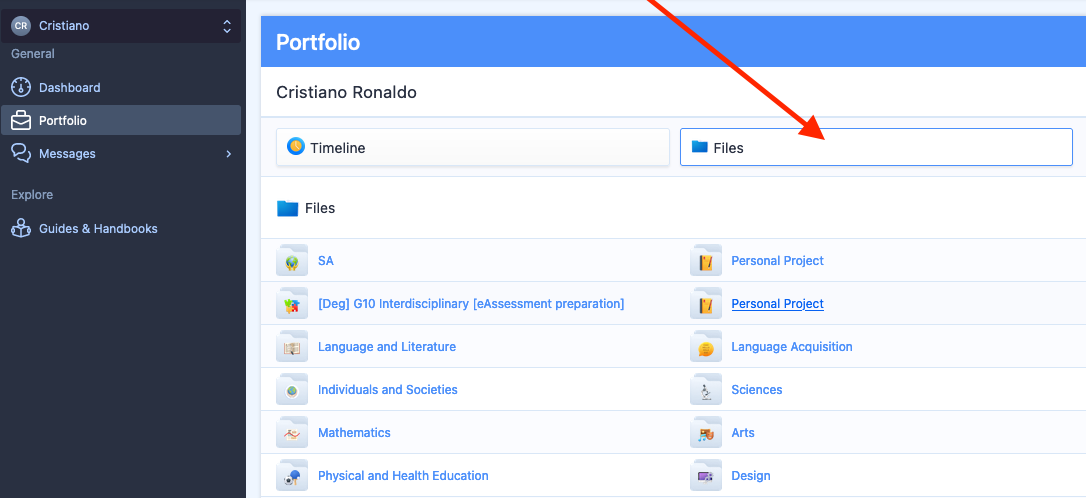
Click the Portfolio tab to access your child's Portfolio Timeline. The Portfolio provides a centralised location of coursework they have uploading within their classes to assessment deadlines, as well as project submissions or direct uploads to the Portfolio itself.
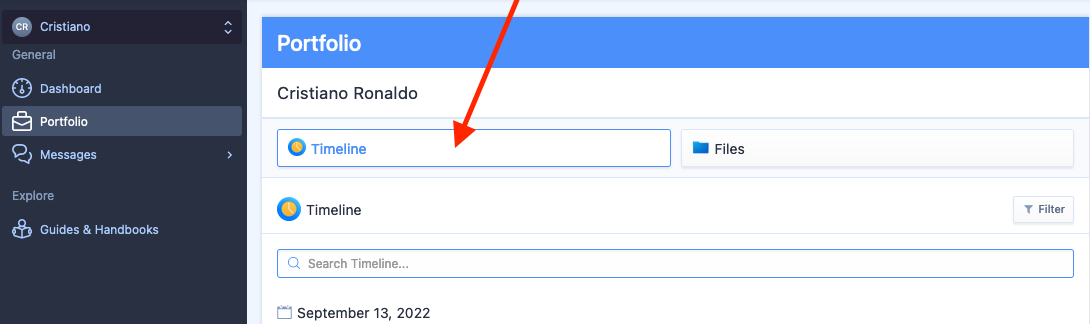
You can download any files via the download button on the right of each file.
You can comment or like items on the Timeline.
You will see all contributors on your student's Portfolio on the right navigation panel listed.
Comments
0 comments
Article is closed for comments.